The 10/10 Q&A Video Method
Twenty short videos, one question each, recorded on your phone in about an hour. You answer what customers ask, and what they never think to ask. Sherman edits every clip and turns your words into videos, articles and posts.
- 9 steps
- Your ticks save on this device
- Updated November 20, 2026
Why The 10/10 Method Works
Customers search with questions. This method gives you an expert answer to each one, in your own face and voice.
The 10 They Always Ask
Match what people already type into Google and AI assistants, so your answers show up where they search.
The 10 They Wish They'd Asked
Show expertise customers can't get from a quick search, and prevent the mistakes you see every week.
One Question Per Video
Each clip answers one search, works on its own, and becomes an article, an FAQ and a social post.
Your Face, Your Voice
People choose who they trust. Seeing you explain things clearly does more than any written claim.
Your 10/10 Question Planner
Write your 20 questions here. They save on this device, so you can come back to them. Tick each one once it's recorded, then print the list as your shot list.
Light: The 10 And 2 O'Clock Rule
Picture a clock lying flat around you, with 12 o'clock straight ahead where the phone sits. Turn your chair so the window sits at 10 o'clock or 2 o'clock. Soft morning light then shapes one side of your face gently, the look you see in good interviews.
- Light from straight ahead flattens your face. Light from the side shapes it.
- A window behind you turns you into a silhouette.
- Harsh midday sun creates hard shadows. A sheer curtain fixes it.
- Overhead lights mixed with daylight tint your skin. Switch them off.
Recording Day In One Hour
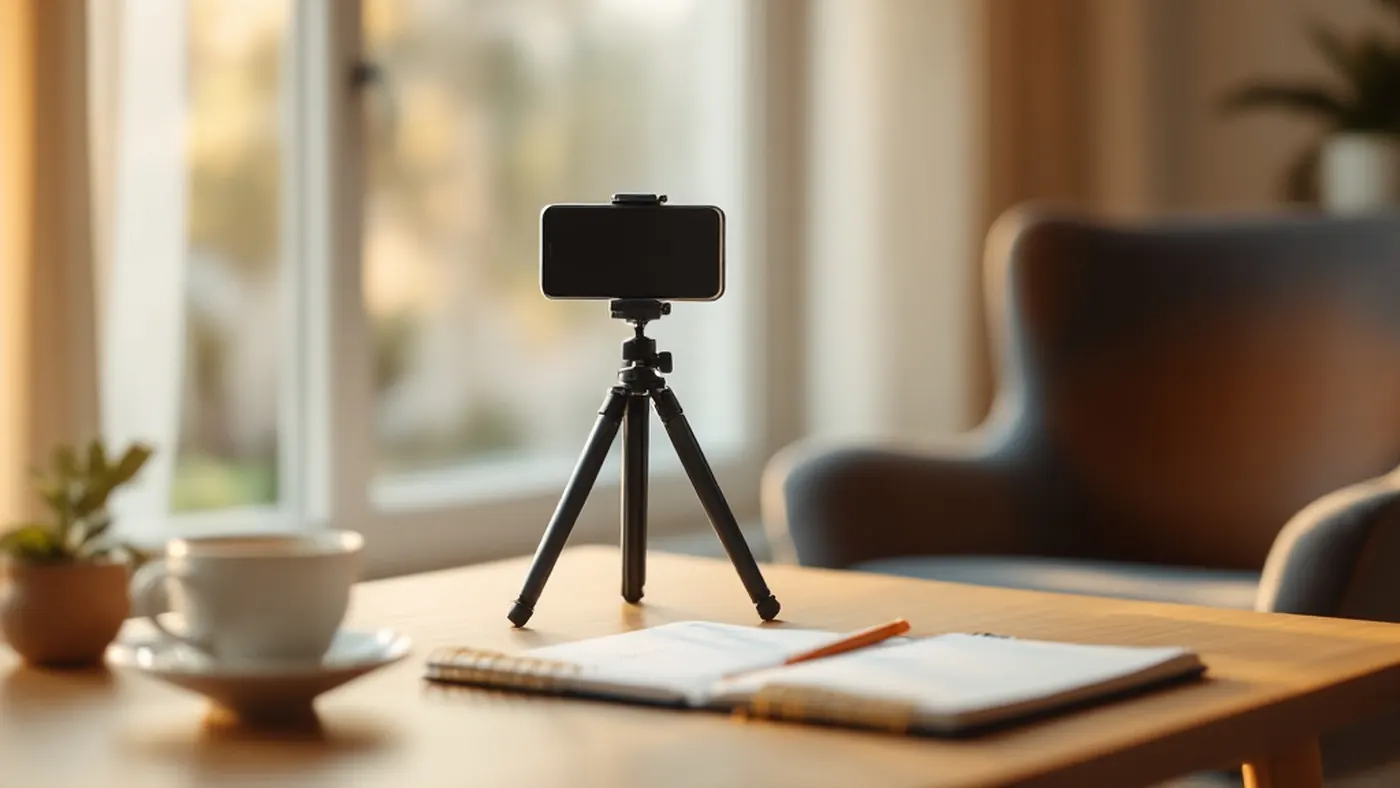
- 5 minutes: set upTripod, lens at eye level, Do Not Disturb on, window at 10 or 2 o'clock.
- 5 minutes: testRecord question one, play it back with sound, fix the light or sound.
- 45 minutes: recordThe remaining 19 questions, about two minutes each including resets.
- 5 minutes: sendWeTransfer the files and email your question list.
Quick Do And Don't
| Do | Don't |
|---|---|
| Say the question first, then answer it | Jump into the answer without the question |
| Speak to one customer, like a conversation | Read from a script |
| Look into the lens | Watch yourself on the screen |
| Keep each answer to one question | Combine several questions in one clip |
| Pause and restart a sentence after a slip | Stop and delete the whole take |
| Keep answers general and helpful | Mention customers, patients or private details |

Ready? Work Through The Steps Below
Tick each step as you finish it. Your ticks and your planner save on this device, so you can set up one day and record the next.
Step By Step
-
Pick One Topic
Choose one service, problem or decision you know inside out. Narrow beats broad: gutter guards, not home maintenance; thyroid health, not wellness. One topic gives you 20 tightly related videos that build on each other in search.
-
List The 10 Questions Customers Always Ask
Write them in the planner above, in the words customers use, not industry terms. Think of the questions you answer on the phone every week: price, timing, what to expect, how it works.
-
List The 10 Questions You Wish They Asked
These are the questions that show your expertise: the mistake people make before they call you, the myth you correct every week, the thing you'd want to know in their place. They set you apart and often become your strongest videos.
-
Set Up Your Phone
- Wipe the lens with a soft cloth.
- Put the phone on a tripod with the front (selfie) camera facing you, so you can see yourself.
- Raise the lens to eye level, about an arm's length away. Frame your head and shoulders.
- Hold the phone upright (vertical) unless Sherman asks for landscape.
- Turn on Do Not Disturb so calls and alerts don't interrupt a take.
-
Find Soft Side Light
Sit angled to a window in morning light, so the light falls on your face from the 10 o'clock or 2 o'clock position (see the diagram above). Never sit with the window behind you. If the sun shines straight in, draw a sheer curtain to soften it, and switch off overhead lights so the colors stay natural.
-
Make The Room Quiet
Choose a room with soft furnishings (rugs, curtains, a sofa) to absorb echo. Close doors and windows, and switch off fans, air conditioning and anything that hums. A small clip-on microphone that works with your phone improves sound further, but it's optional.
-
Record One Question Per Video
- Start recording, wait two seconds, then say the question in your own words.
- Answer it the way you would for a customer sitting in front of you, in about 30 to 90 seconds.
- Look into the lens, not at yourself on screen.
- Stumbled? Pause, then restart the sentence. Sherman cuts the slip out.
- Wait two seconds before you stop recording.
-
Check Your First Video Before You Record The Rest
Play the first clip back with the sound on. Is your face evenly lit? Is the audio clear, with no echo or hum? Is your head and shoulders framing steady? Fix anything now, then record the remaining 19. Tick each question in the planner as you go.
-
Send Your Videos To Sherman With WeTransfer
Go to wetransfer.com on your computer or phone. Add your video files, paste Sherman's email (copy it from the box at the top of this page), add your own email, and title the transfer 10/10 Q&A, your business name. Click Transfer. If the files are too large for one transfer, send them in two.
Also click Copy My Questions in the planner and paste your 20 questions into an email to Sherman, so he knows what each video answers.
What Sherman Does With Your 20 Videos
Sherman edits each clip, adds captions and prepares it for YouTube and social media. He then uses the transcripts to write articles, FAQ answers and posts in your voice, so one hour of your time feeds your website, your Google Business Profile and your channels for months.
You review before anything goes live.

If Something Looks Different
What if I don't like how I look or sound on camera?
Almost everyone feels this on the first take. Record three or four videos before you judge. Customers care about clear, honest answers far more than polish, and Sherman's editing removes pauses and slips.
Do I need a script?
No. Write only the question, then answer as you would in person. Scripts tend to sound read. A few bullet points next to the camera are fine.
How long does each video need to be?
Aim for 30 to 90 seconds. Short answers work well as standalone clips. If a question needs more time, keep going and Sherman will trim it.
Can I record outside or at my business?
Yes, if it's quiet and the light is soft. Wind, traffic and echoing rooms are the usual problems. A quiet room at home by a window is the easiest place to get it right.
What about privacy if I work in health care?
Keep every answer general. Never mention a patient, a client or any case detail that identifies someone, and never give advice that depends on a person's own situation. Explain how things work and when to see a professional.
What Comes Next
Official Help Pages
Screens change from time to time. If a button has moved, the official help page above has the current wording.
Done, or stuck on a step? Call or text Sherman at (236) 361-3888.
Call (236) 361-3888